Good lighting makes a home office more comfortable and pleasant to work in. Many home offices are set up in spare rooms, corners or bedrooms that were never designed for long workdays, so lighting often needs some attention. A thoughtful mix of natural light, overhead lighting and task lighting can reduce glare, make reading easier and help you look better on video calls.
This guide covers practical lighting strategies for home offices. It is general information, not medical advice. If you experience persistent eye discomfort, consult an eye care professional.
Layered Lighting
Lighting designers often describe three layers:
- Ambient lighting: General light that fills the room, such as ceiling fixtures or floor lamps
- Task lighting: Focused light for specific work, such as a desk lamp
- Accent lighting: Decorative light that adds atmosphere, such as LED strips or small lamps
Combining layers helps avoid harsh contrasts between a bright screen and a dark room.
Natural Light
Many people enjoy working near windows. To make the most of natural light:
- Position your desk perpendicular to windows when possible. Facing a window can cause you to squint at a bright background, and having a window behind you can create screen glare.
- Use blinds or sheer curtains to diffuse direct sunlight.
- Adjust throughout the day as the sun moves.
On video calls, facing a window often provides flattering light, while sitting with a window behind you can leave your face in shadow.
Overhead Lighting
Overhead fixtures provide ambient light but can create glare on screens or shadows on your desk. Options include:
- Diffused fixtures that spread light evenly
- Dimmable lights to adjust brightness
- Smart bulbs that change brightness and color temperature
Desk Lamps
A desk lamp provides focused light for reading and writing. Features to look for:
- Adjustable arm and head to direct light where you need it
- Dimming to match ambient light
- Adjustable color temperature
- Glare control, such as diffusers or shielded designs
- Wide coverage for larger desks
- Clamp or base mounting depending on desk space
Position the lamp to avoid shining directly into your eyes or onto your screen. Many people place it on the side opposite their writing hand to reduce shadows.
Monitor Light Bars
Monitor light bars sit on top of your monitor and shine light down onto your desk without reflecting off the screen. They save desk space and can be useful in smaller setups. Check:
- Compatibility with your monitor’s thickness and curve
- Webcam clearance if your webcam sits on top of the monitor
- Brightness and color temperature controls
- Power source, often USB
Brands include BenQ, Quntis, Xiaomi and others.
Color Temperature
Color temperature is measured in Kelvin (K):
- Warmer light (lower K) looks yellow-orange and feels cozy
- Neutral light (middle K) looks balanced
- Cooler light (higher K) looks bluish-white
Many people prefer neutral or cooler light for focused work and warmer light in the evening. Adjustable lamps and smart bulbs make it easy to experiment.
Brightness
Brightness needs vary by task, age and personal preference. Rather than following a single number, aim for:
- Enough light to read comfortably without straining
- Balanced brightness between your screen and surroundings
- No harsh glare on screens or glossy surfaces
Adjusting your monitor brightness to match the room can also help. See how to set up a monitor.
Reducing Glare
- Position screens perpendicular to windows
- Use matte screen finishes or anti-glare filters
- Diffuse overhead light
- Angle desk lamps away from screens
- Use blinds to control sunlight
Lighting for Video Calls
- Face your light source. A window or lamp in front of you lights your face.
- Use soft, diffused light to reduce harsh shadows.
- Avoid strong backlighting from windows behind you.
- Consider a small key light or ring light if your room is dim.
- Match color temperatures to avoid odd color casts.
Small Spaces and Bedrooms
In small spaces, clamp lamps and monitor light bars save room. If your office is in a bedroom, warmer, dimmable lights can help the space feel restful after work. See home office in a bedroom.
Smart Lighting
Smart bulbs and lamps can be scheduled to change brightness and color temperature throughout the day. They can also turn on automatically when you start work.
Energy Efficiency
LED lighting uses less energy than incandescent bulbs and lasts longer. Look for ENERGY STAR certified bulbs and fixtures where available.
A Simple Lighting Plan
- Position your desk to use natural light without glare.
- Add diffused ambient lighting.
- Add an adjustable desk lamp or monitor light bar.
- Adjust screen brightness to match the room.
- Add soft front lighting for video calls.
Questions to Ask Before Buying a Lamp
- How much desk space do you have for a lamp base or clamp?
- Do you need adjustable color temperature and dimming?
- Will the lamp create glare on your screen?
- Does a monitor light bar fit your monitor and webcam?
- Do you need extra lighting for video calls?
Adjusting Lighting Through the Day
Light changes throughout the day, especially in rooms with windows. A setup that works in the morning may create glare in the afternoon. Simple adjustments include tilting blinds, turning on a desk lamp as daylight fades and lowering screen brightness in the evening. Smart bulbs and lamps with schedules can handle some of this automatically.
Lighting Mistakes to Avoid
- Working in a dark room lit only by your screen
- Pointing a desk lamp directly at your monitor
- Using a single bright overhead light that casts shadows on your desk
- Placing a ring light so close that it causes squinting on calls
- Mixing very warm and very cool bulbs in the same space
Lighting a Dark Room
Rooms without windows, such as basements or interior rooms, rely entirely on artificial light. Combine a bright diffused ceiling light or floor lamp with task lighting, and consider adjustable color temperature to keep the space from feeling dim.
Frequently Asked Questions
Where should I put my desk in relation to windows?
Many people place desks perpendicular to windows to reduce glare and squinting.
What color temperature is best for working?
It depends on preference. Many people use neutral or cooler light during work and warmer light in the evening.
Are monitor light bars worth it?
They can save space and reduce screen glare. Check compatibility with your monitor.
How do I look better on video calls?
Face a soft light source and avoid bright windows behind you.
Do I need a desk lamp if I have overhead light?
Task lighting often helps with reading and reducing shadows.
The Bottom Line
Good home office lighting combines natural light, diffused ambient lighting and adjustable task lighting. Position your desk to control glare, choose lamps with dimming and color temperature controls, balance screen brightness and light your face for video calls.
Editorial note: Home Desky is independent and reader-supported. This guide is based on research into manufacturer documentation, published specifications and widely accepted best practices; we have not been paid to mention any product. If we add affiliate links in the future, they will be clearly disclosed per our Affiliate Disclosure.
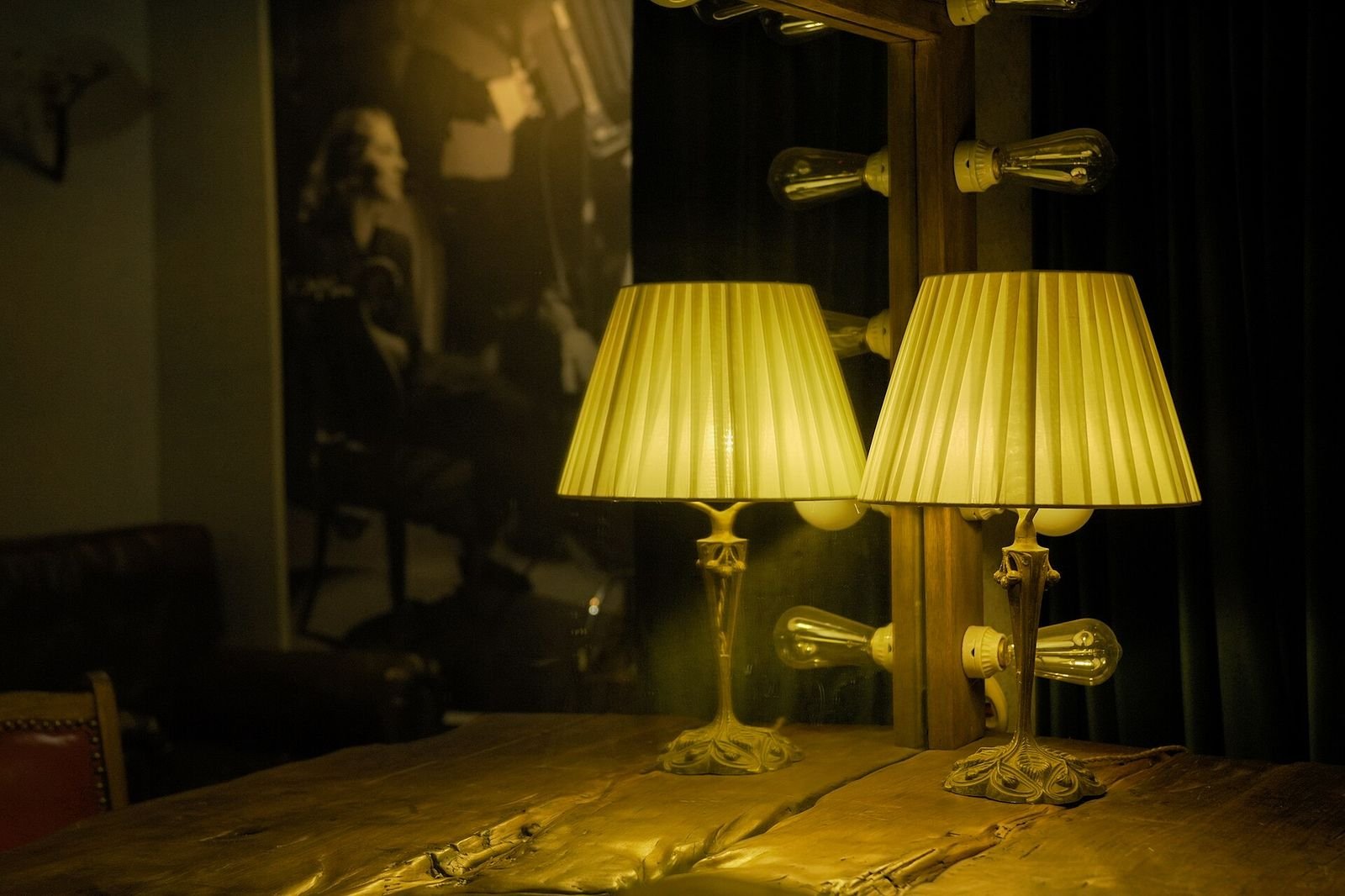
Photo: Retro desk lamp by WANGYIFAN2024, CC0 1.0